A bundle too long to read?
Ask it questions, get cited answers.
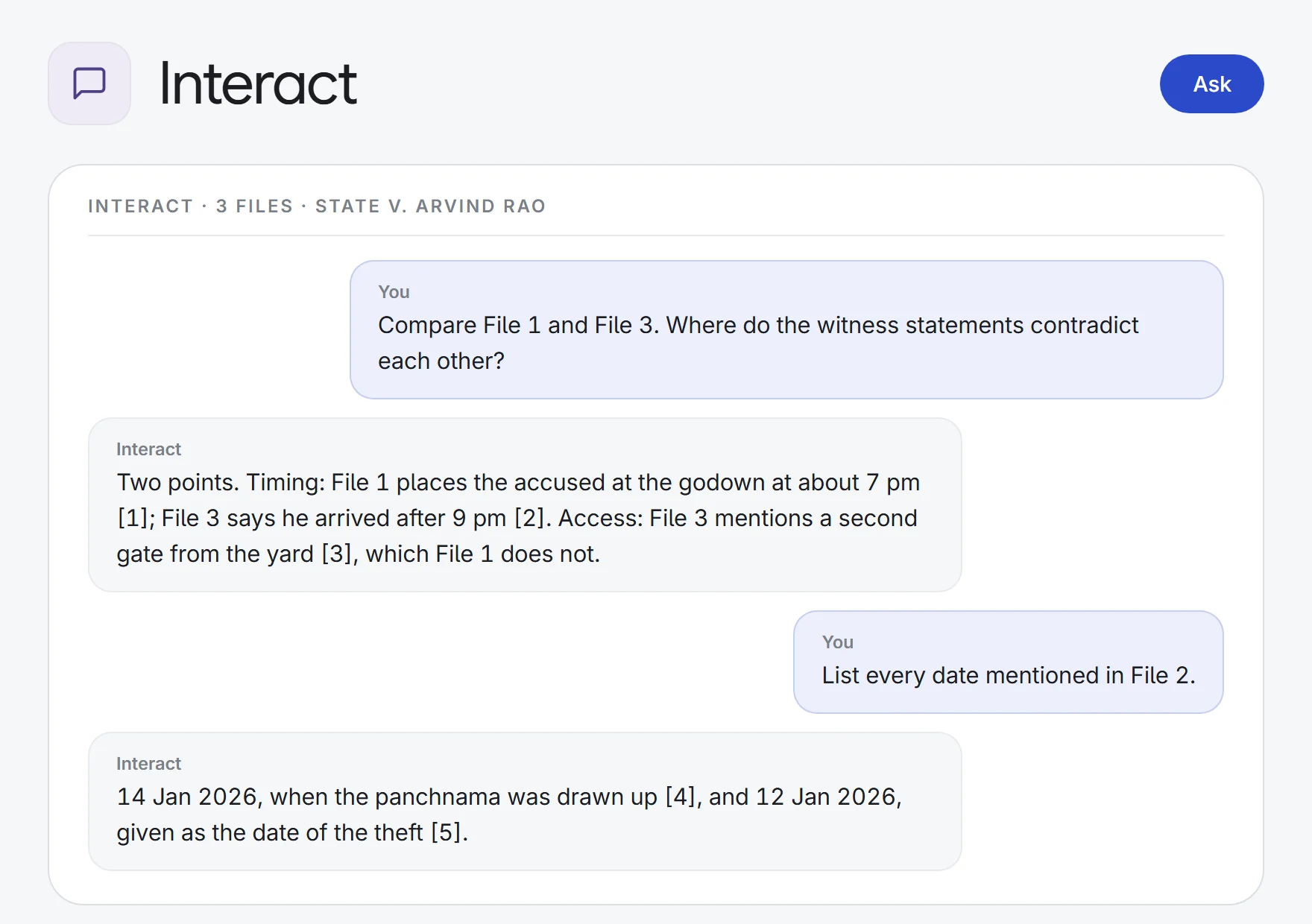
Attach contracts, pleadings, orders or a whole matter and ask about them: summarise, compare, find a clause, list dates and obligations. Every answer quotes the passage it relies on, so you can open it and check.
- Witness statements
5 statements→one contradiction list
WitnessPointPage
- Loan documents
a facility agreement→obligations and deadlines
ObligationPartyDue by
- Arbitration matters
the whole matter→a dated chronology
DateEventDocument
- Lease reviews
12 questions, 8 leases→one answer grid
QuestionLeaseAnswer
What Interact does.
Every answer quoted
Each point cites an exact quote from your document. Click it to open the document, and a PDF at the cited page with the passage highlighted.
Ask the whole matter
Search all of the matter’s indexed documents, or one folder, in a single question, and get an answer from the most relevant passages.
Attach from anywhere
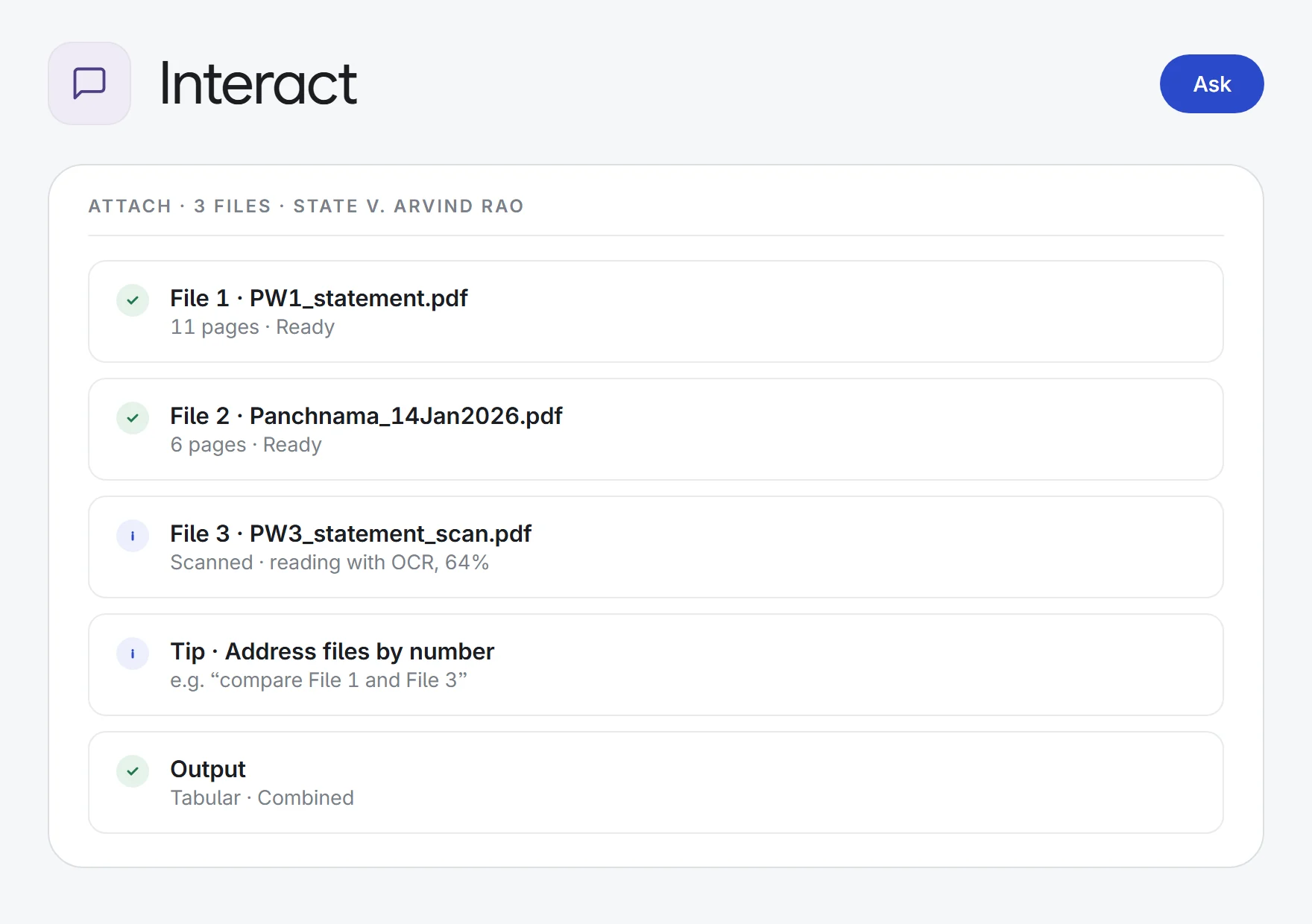
Upload from your device or pick up to 50 documents already in the matter. PDF, Word, Excel, PowerPoint, images and text files.
Refer to files by number
Ask “compare File 1 and File 3” or “summarise the second file”. Comparisons come back as tables.
Scans read automatically
Scanned PDFs are OCR’d in the background, with progress shown on each file.
Per document or per question
Get one combined answer, a separate answer for each document, or a grid of up to 20 questions across every document.
Ready-made questions
Start from library prompts like chronology of events, obligations and deadlines, contradictions across documents or clause-by-clause risk review, or your firm’s own question sets.
Narrative, table or bullets
Choose how the answer is laid out, and add the legal database as a source when you need the law alongside the documents.
Keep the conversation
Ask follow-ups with new files. Copy, print or download one answer or the whole thread as Word or PDF, or save it to Notes.
How it works.
- 1Add the documentsUpload files, pick them from the matter, or choose the entire matter.
- 2AskSummarise, compare, find a clause, or list dates and obligations, in your words or from a saved prompt.
- 3Check the sourceClick any citation to see the quoted passage on its page, then follow up or download.
![Citation [2] · File 3 · PW3_statement_scan.pdf](/assets/screens/interact-step3.webp)
Research, read, draft and delegate, with a source behind every answer.
See all 33 appsTry it on your next bundle.
Start a 7-day free trial, or see Interact on one of your own matters with our team. Every plan includes every app.