Is your new mark already taken?
See the marks that come too close.
Search trademarks for marks that look or sound like yours, then watch for new filings that come too close to a mark you protect.
- Brand clearance
a proposed mark→a look-alike list
Looks alikeSounds alikeClass
- Portfolio watches
your registered marks→new-filing alerts
MarkSimilarityClass
- Class checks
one word mark→results by class
Nice classOfficeApplicant
- Rival applications
one competitor filing→status alerts
StatusOfficeApplicant
What IP Search does.
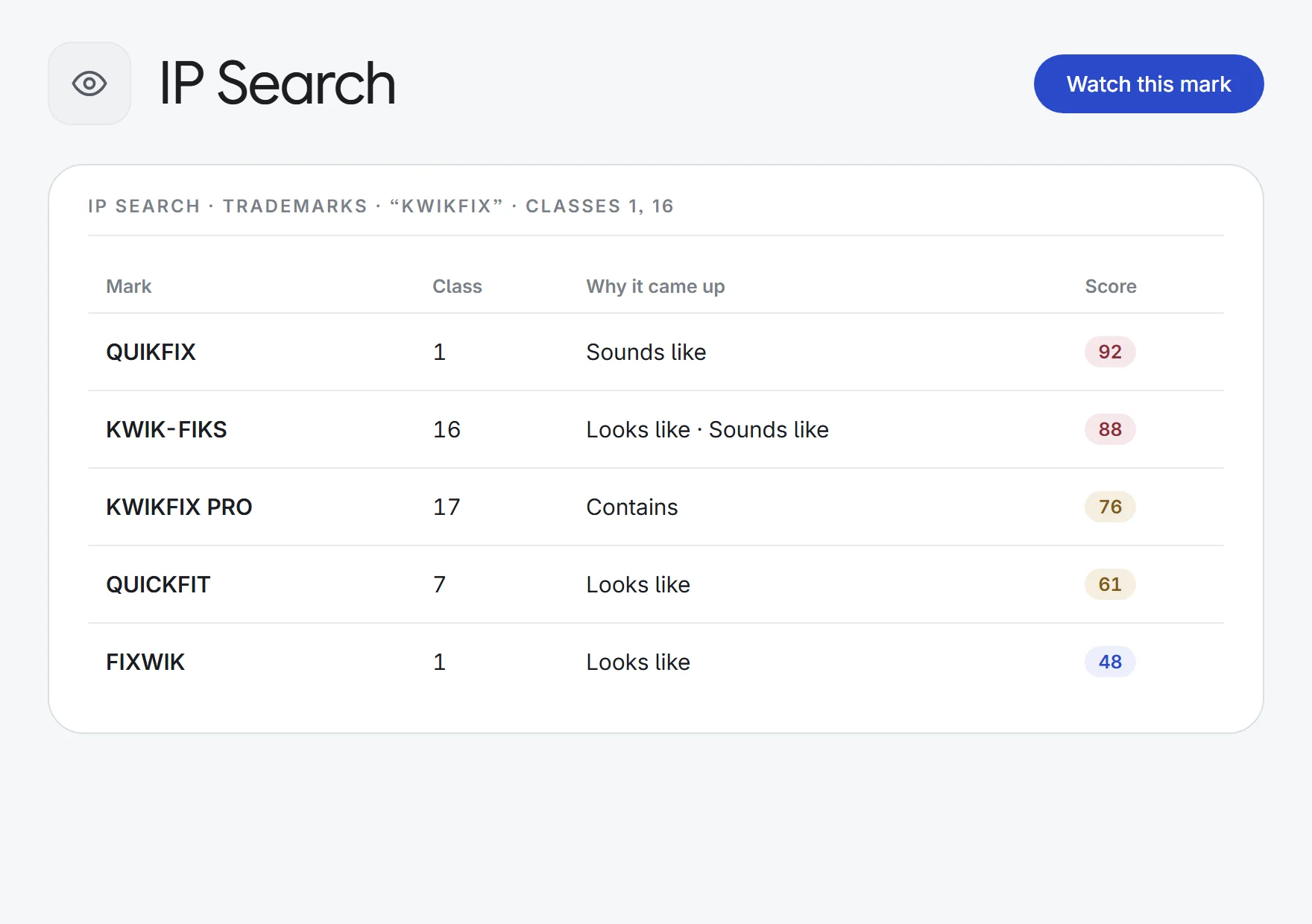
Look-alikes and sound-alikes
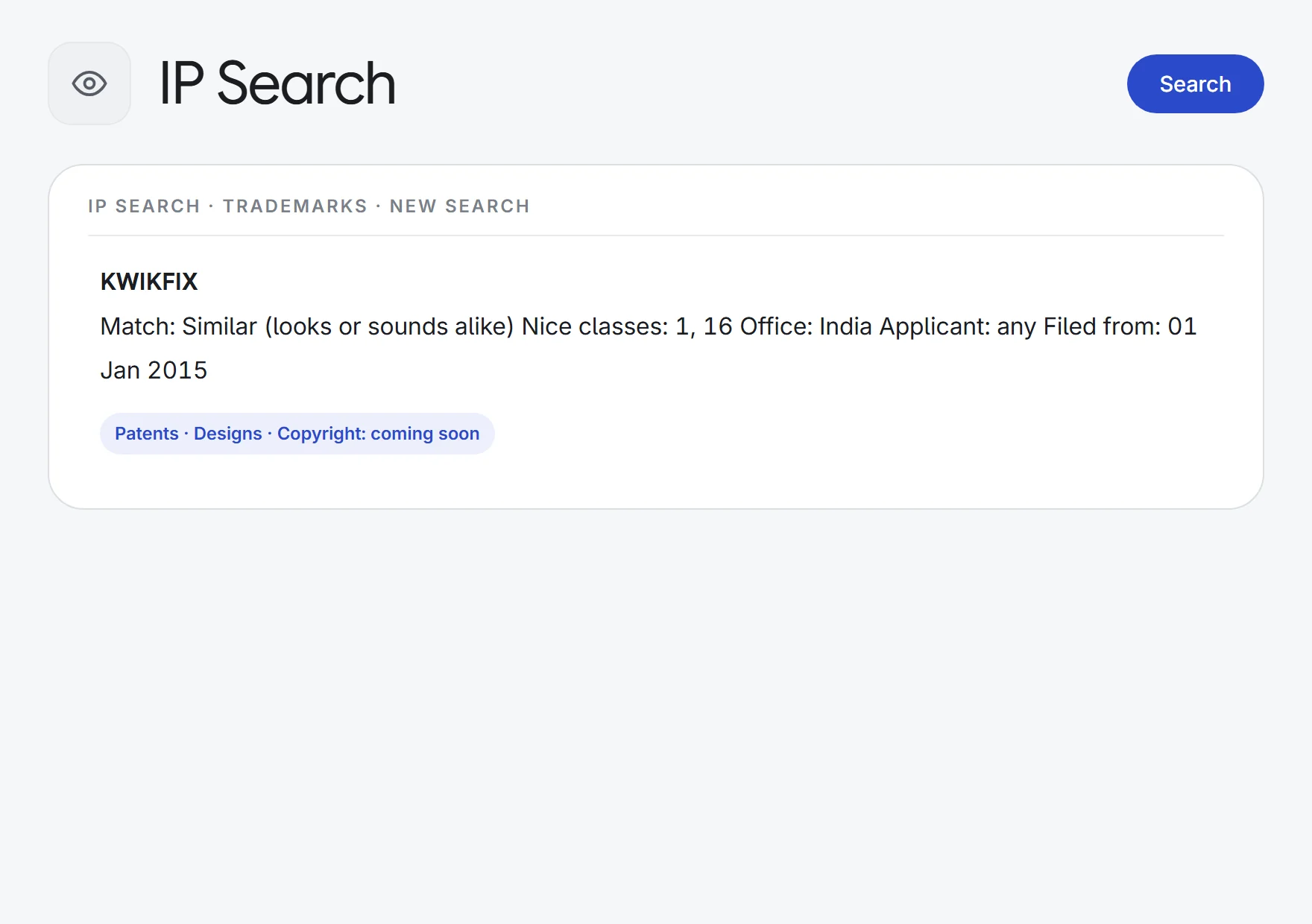
Type a mark and see the existing marks that look or sound like it, not just exact matches. Swaps such as 0 for O are seen through.
Weighed by class
A shared Nice class moves a match up the list, and marks with no class in common rank lower.
Filters to narrow it down
Narrow the results by Nice class, office, status, applicant and filing date before you advise.
Watches on your marks
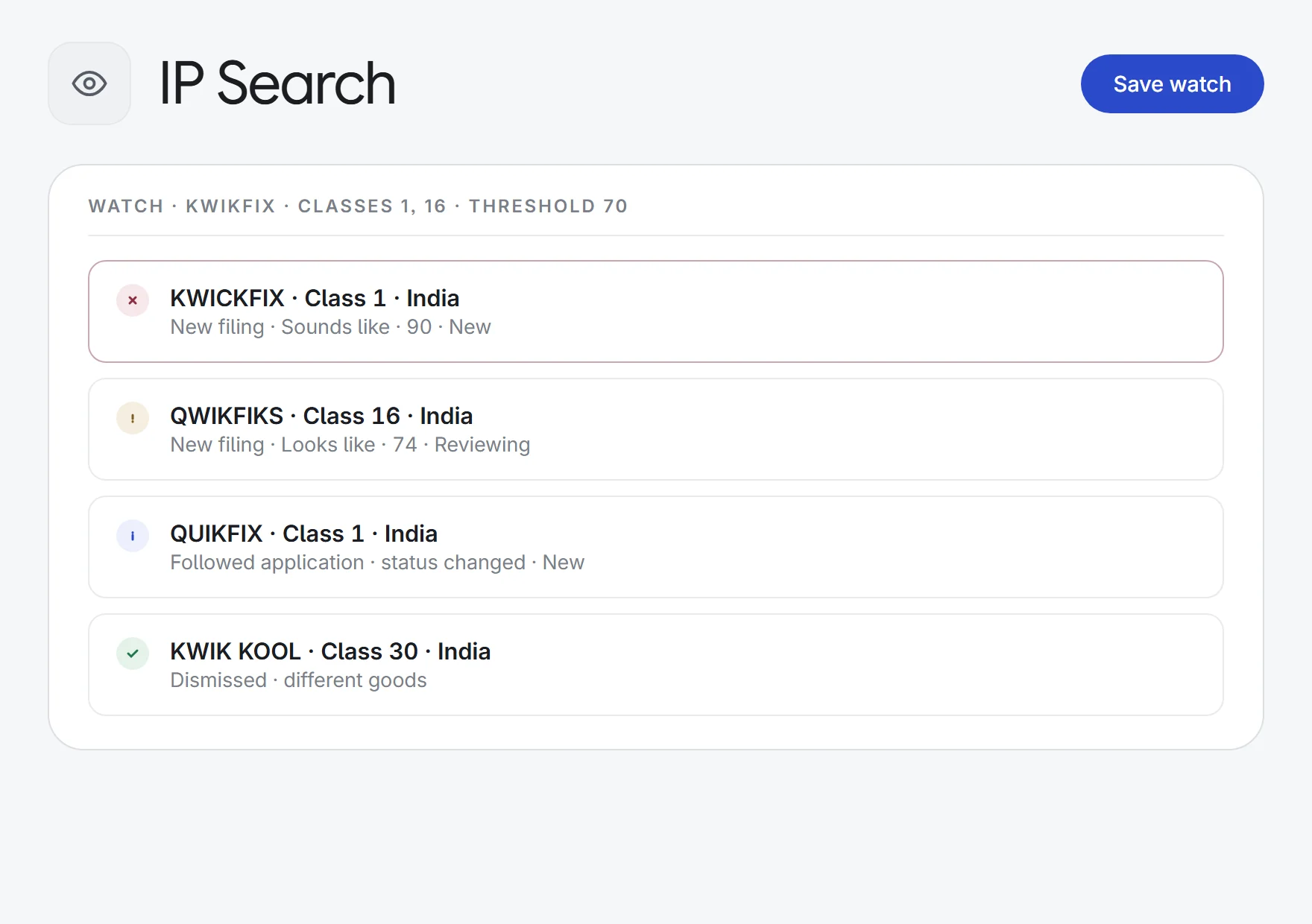
Watch the marks you protect and get an alert, in the app and by email, when a new filing looks or sounds like one of them. Or follow a single application for status changes.
Next to your portfolio
Start a watch straight from a trademark in IP Manager, with its mark and classes filled in.
Patents, designs and copyright next
Trademark search comes first. Patent, design and copyright search are on the way.
How it works.
- 1Type a markThe word you want to clear or protect, with classes and offices if you like.
- 2Review what comes closeLook-alikes and sound-alikes, so you can judge the risk early.
- 3Set a watchGet an alert when a new filing comes too close.
Contracts, court cases, compliance, tenders, due diligence and IP, each tracked to the day, plus analysts who do the high-volume work for you.
See all 33 appsClear your next mark before you file it.
IP Search is coming soon. Ask for early access, or start a 7-day free trial of every app that is live today.