Too big a job to delegate?
Hand it to MIRA, step by step.
Give MIRA a multi-step job, like “compare these five leases against our playbook” or “review this bundle and prepare a brief”. It plans the work, asks when something is unclear, and hands back a Word document, spreadsheet or deck.
- Lease portfolios
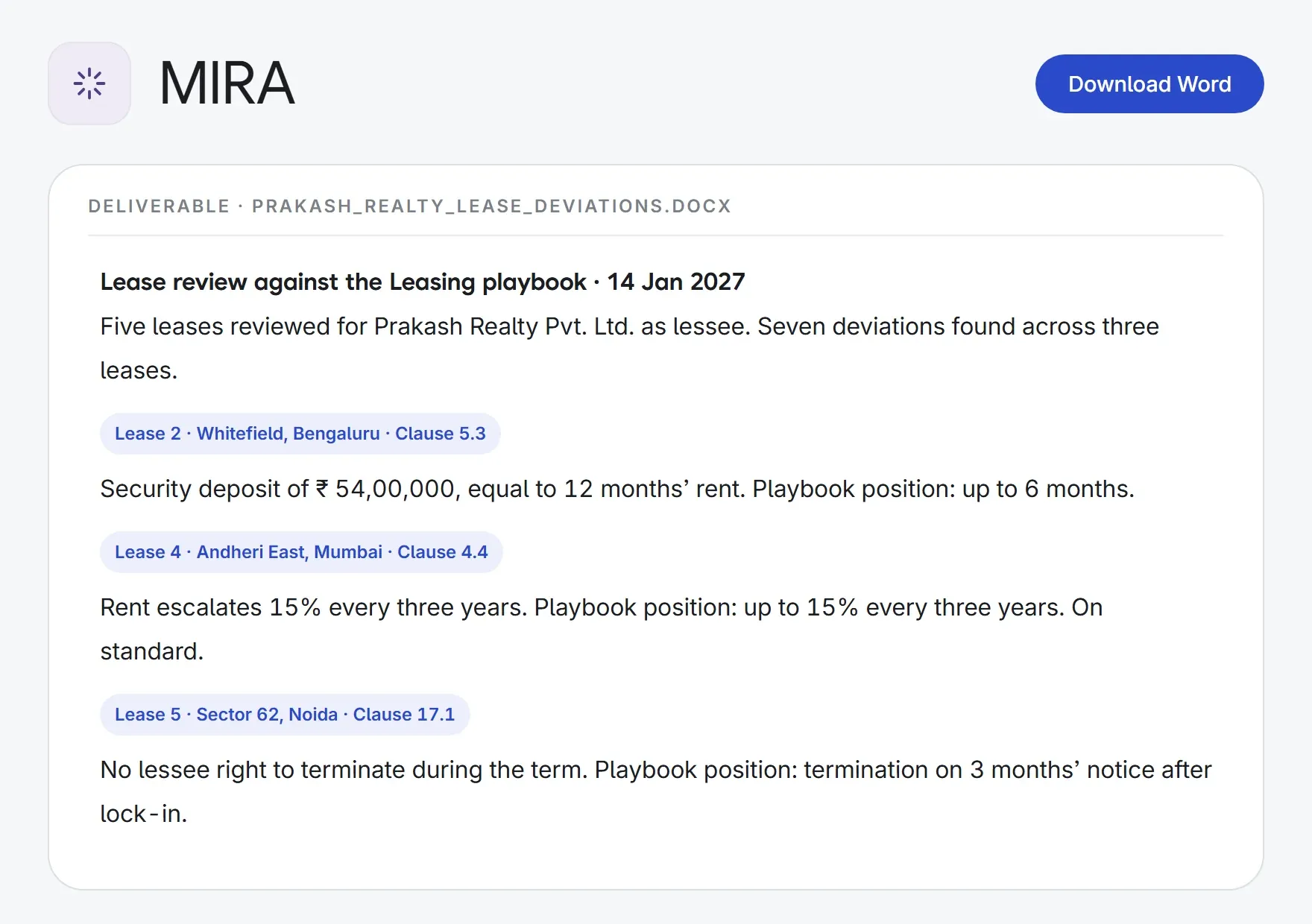
5 leases→a deviation report
Playbook termDeviationSuggested position
- Hearing preparation
a hearing bundle→a brief for counsel
FactsIssuesAuthorities
- Client updates
a matter file→a branded deck
BackgroundStatusNext steps
- Data room reviews
20 contracts→an Excel schedule
ContractCounterpartyChange of control
What MIRA does.
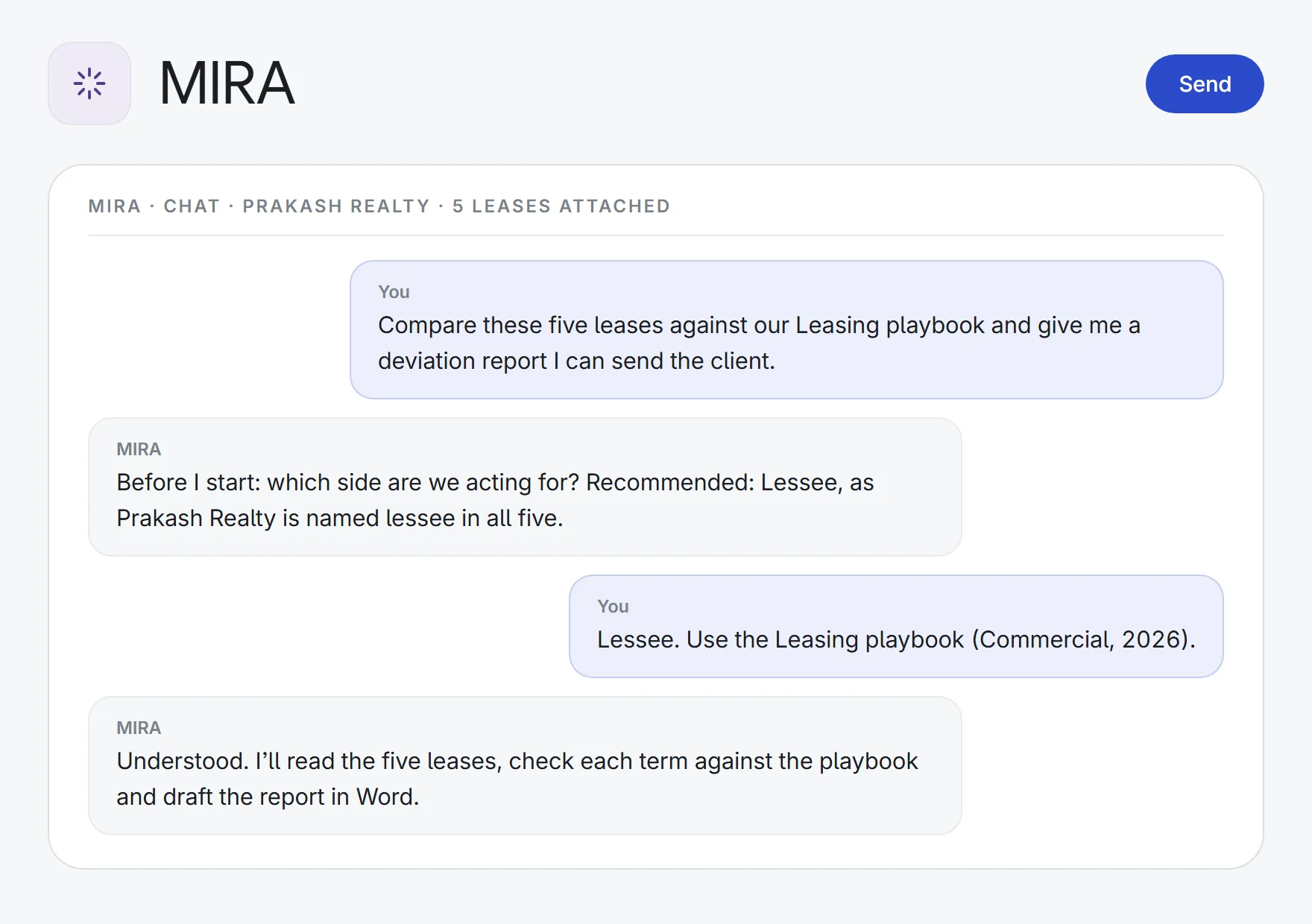
Hand over the whole job
Describe the outcome and attach the material. MIRA breaks the job into steps and works through them, and you can stop it at any time.
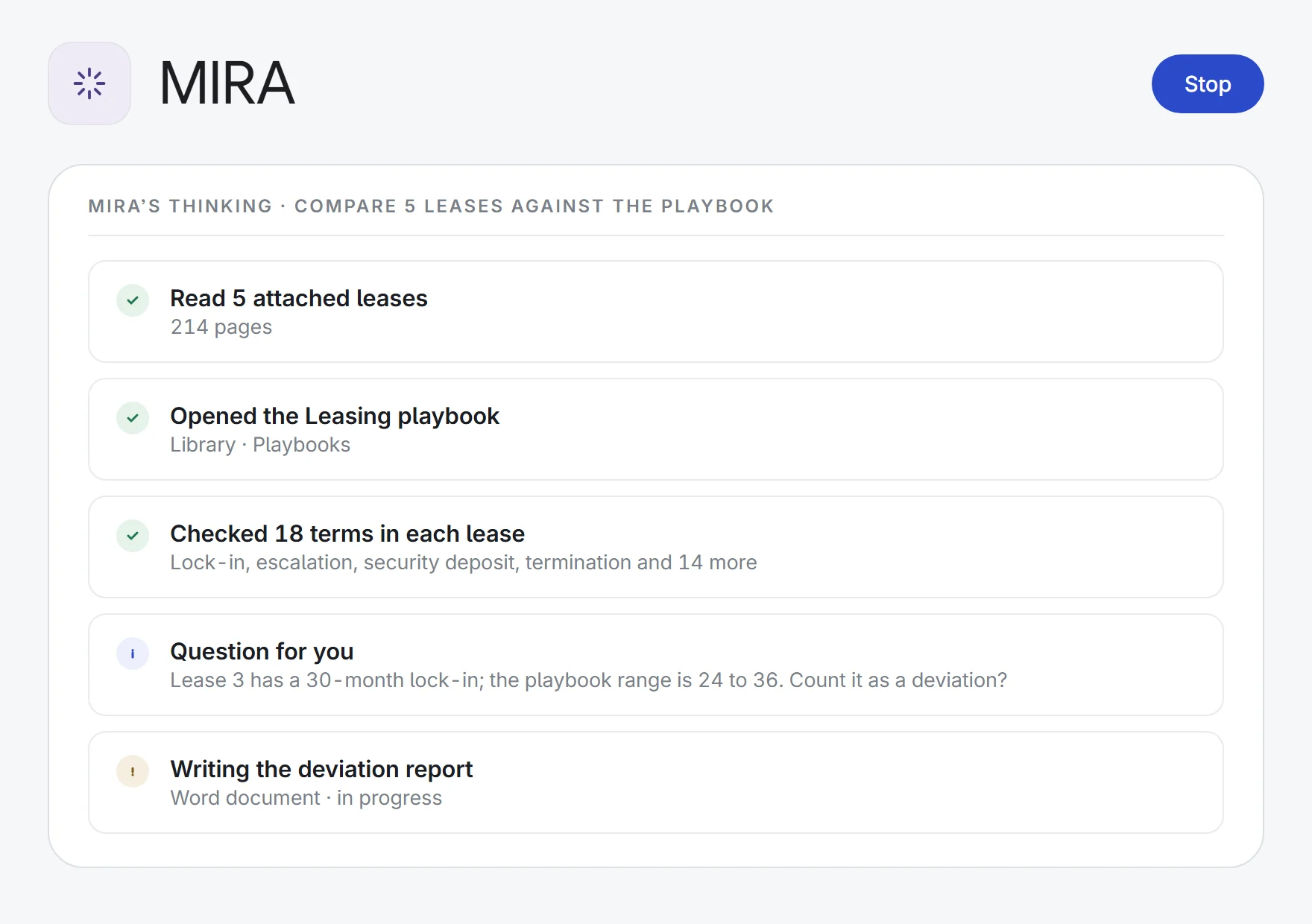
Watch it work
A live step list shows what MIRA is doing: reading documents, searching the law, checking a playbook, writing the deliverable.
Asks before it guesses
When something is unclear, like which side you act for, which Act applies or which playbook to use, MIRA asks, with a recommended answer.
Real deliverables
Word documents, Excel or CSV spreadsheets, and PowerPoint decks in your firm’s colours and logo, with editable charts and speaker notes.
Knows your firm
Uses your Library, clause bank and negotiation playbooks, and the matter’s documents, attached or searched across the whole matter.
Fills your templates
Fills the firm’s own Word template in place, keeping its styles, once you confirm.
Researches the law
Searches Lexlegis’s legal authority (statutes, rules, circulars and case law) and the web when the job needs it.
AI memory you can audit
In Supervisor, MIRA remembers facts at firm, team, person, client and matter level. Memories you can access are viewable and editable with a full history, and firm-wide facts it learns wait for a person’s approval by default.
Connects to your tools
Connect your email, calendar, cloud drives and team apps. Sending an email or message waits for your confirmation.
How it works.
- 1Hand over the jobDescribe the outcome you need and attach documents from your device or the matter.
- 2It plans and worksFollow each step as it runs, and answer its questions when something is unclear.
- 3Get the deliverableReview the Word document, spreadsheet or deck, then download it.
Research, read, draft and delegate, with a source behind every answer.
See all 33 appsHand MIRA your next big job.
Start a 7-day free trial, or see MIRA on one of your own matters with our team. Every plan includes every app.