Notes scattered across notebooks?
Keep them with the matter.
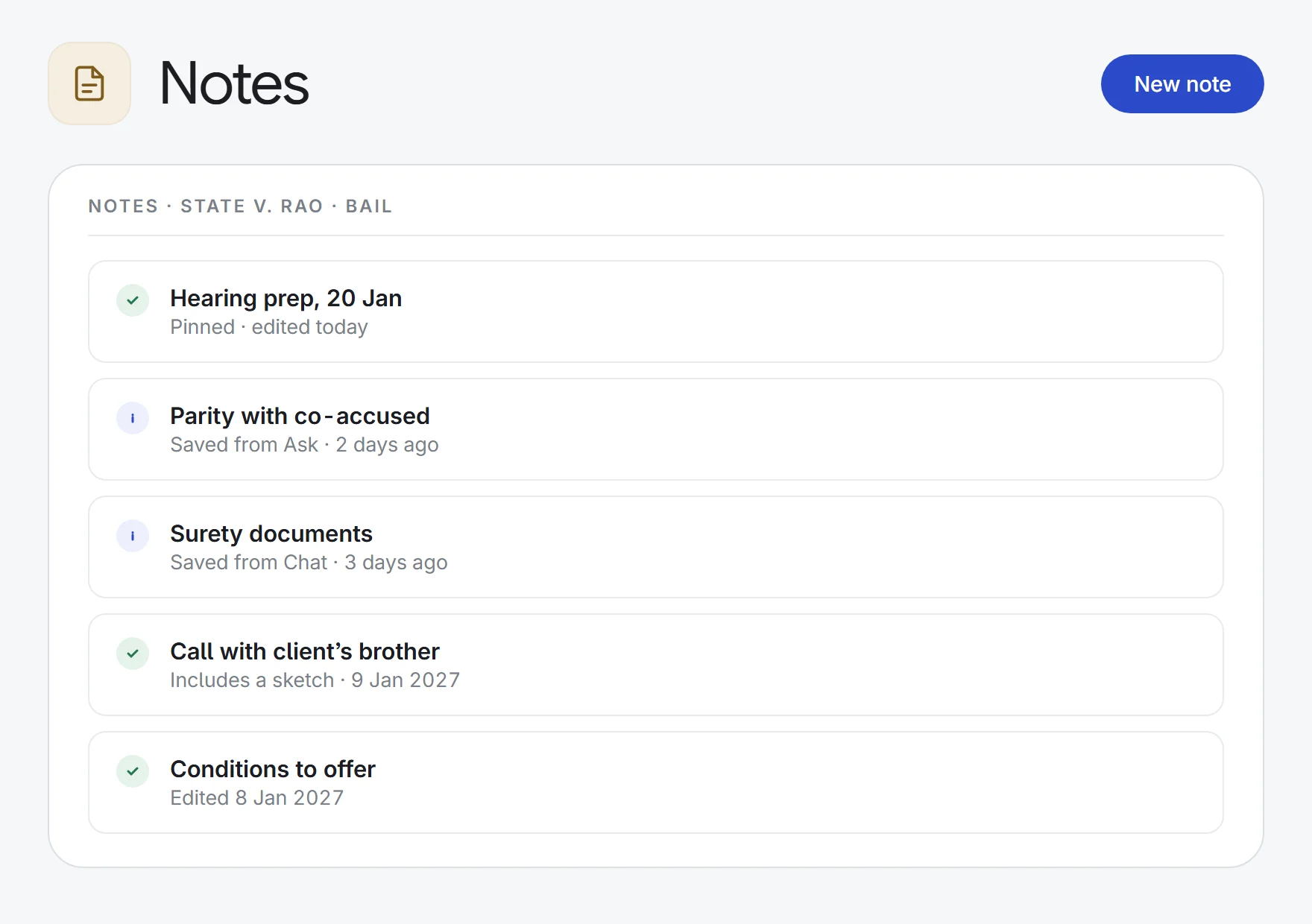
A private notebook for each matter. Write your own notes, sketch with a pen, and save answers from the AI tools or messages from Chat, with a link back to where they came from.
- Hearing prep
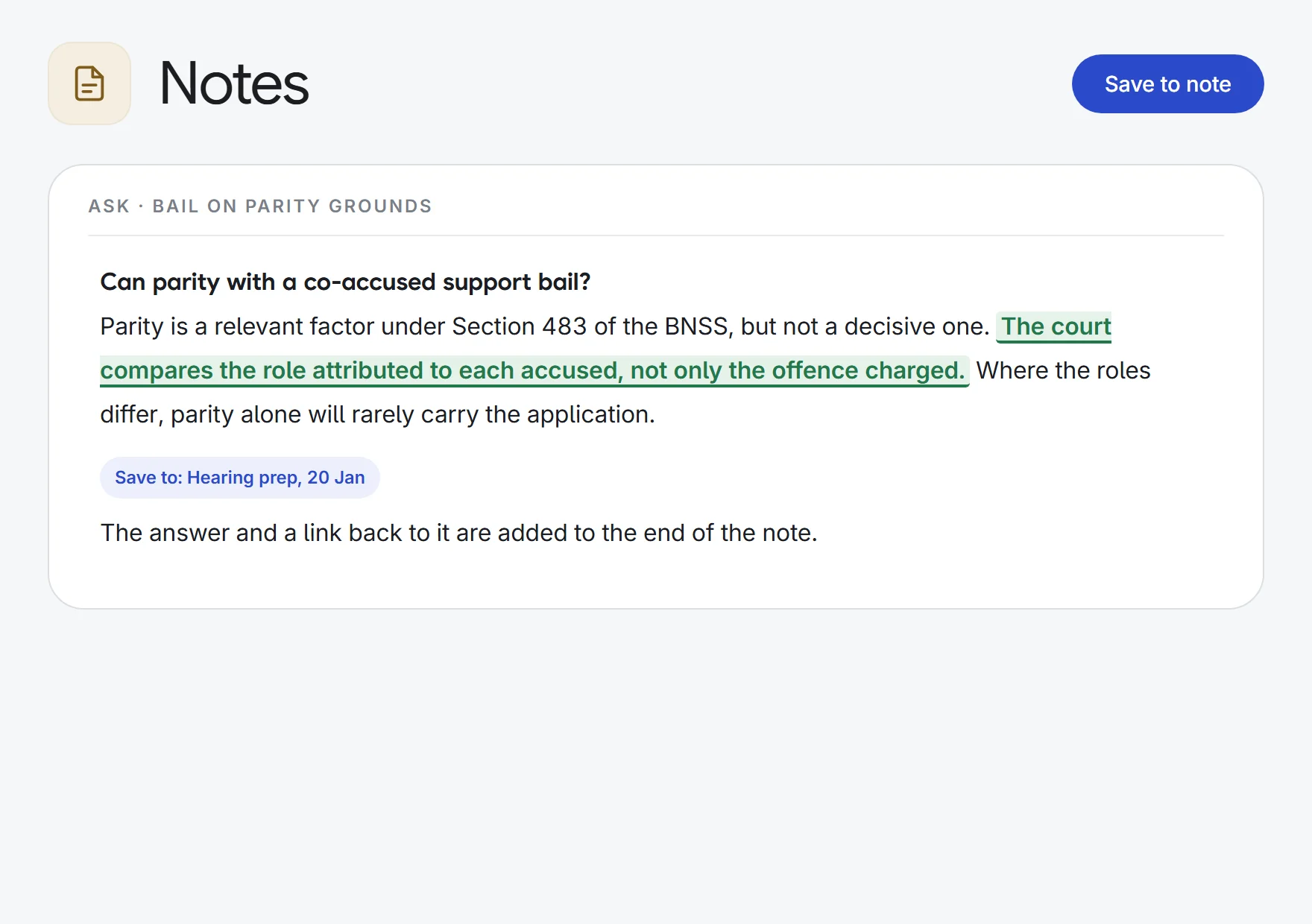
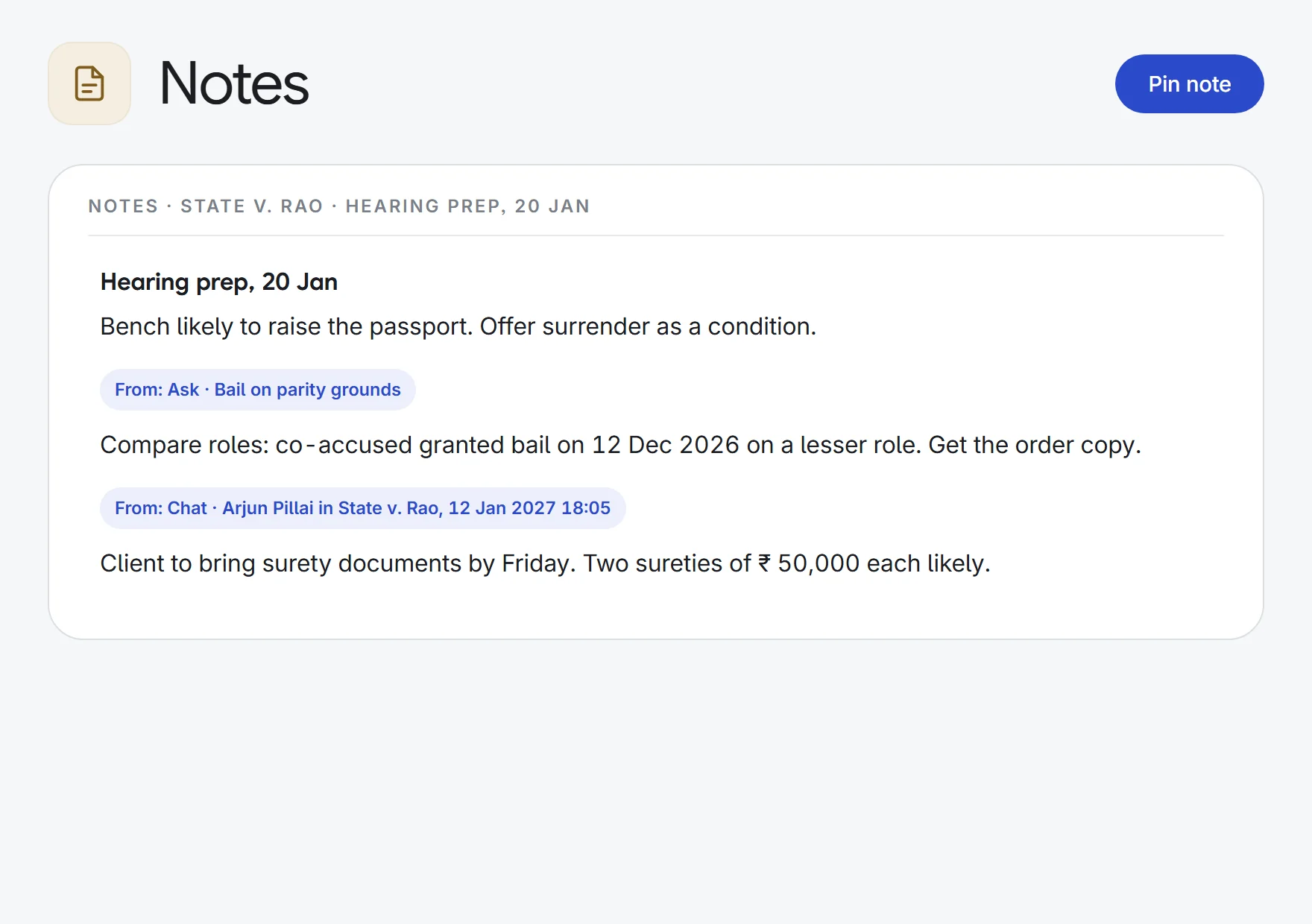
five research answers→one hearing note
Saved answerSource link
- Client calls
a phone call→a matter note
DateAction items
- Draft review
a long AI draft→the passages to fix
Selected textFrom: Draft
- Thinking on paper
a hand sketch→a note with sketch
PenTouchMouse
What Notes does.
A notebook per matter
Every note is filed to a matter you can open. See one matter’s notes in its workspace, or all of yours across matters.
Private to you
Only the author can list or open a note. Colleagues on the matter cannot see it, and neither can firm admins through the app.
Save AI answers
Save to note on Ask, Interact, Draft, MIRA, Devil’s Advocate and Truth or Dare answers adds the answer to a note you pick, or starts a new one.
Keep just the passage
Select part of an AI answer and click Add to note to save only that passage.
The source comes with it
Each saved clip records where it came from, with a link back to the answer or the chat message.
From Chat too
Save a message from any channel into a note, with who said it and when.
Draw in a note
Sketch with a pen, a finger or a mouse. The sketch sits in the note and reopens for editing.
One key away
The Notes drawer opens on every page with a click or the N key. Pin the notes you use most and search the rest.
Nothing overwritten
If the same note was saved in another tab, you are asked to reload rather than lose either version.
How it works.
- 1Open your notesPress N on any page, or open the matter’s Notes page.
- 2Write or saveType, sketch, or save an AI answer or chat message into a note.
- 3Find it laterEvery note for the matter in one list, pinned notes first.
Enquiry to invoice: intake, conflicts, clients, tasks, time and billing.
See all 33 appsKeep your next matter’s notes in one place.
Start a 7-day free trial, or see Notes on one of your own matters with our team. Every plan includes every app.